Press & media
Arguseye, at a glance.
Component previews and visual change evidence for coding agents and VS Code.
Product facts, descriptions and existing brand assets for your next article or tools roundup.
Describe it in a sentence.
Arguseye renders React, browser-renderable Next.js and Vue components from project source so coding agents and developers can inspect UI edits without starting the app or writing stories.
A little more detail
Arguseye is an MIT-licensed local preview engine for coding agents and VS Code developers. It renders supported React, browser-renderable Next.js and Vue 3 components using a project’s own source, packages and styles. Agents can discover literal props from real usages, inspect screenshots and accessibility text, and compare edits against saved baselines. The VS Code extension previews unsaved edits through the same engine. Unresolved inputs, errors and missing context stay visible. Isolated previews support review alongside application tests.
The workflow
A small loop for a small edit.
Start with the component that already exists in the project.
Render the component
Use literal props discovered at a real call site, or supply explicit inputs. Read unresolved values and context warnings.
Edit its source
Inspect a live preview beside your code, or ask your coding agent to render again after its edit.
Review the consequences
Compare pixels, dimensions, accessibility text and errors. A difference shows what to inspect; it does not decide correctness.
58-second introduction
Watch the render–compare loop.
The film uses demo components rendered by Arguseye and illustrated workflow and editor scenes. The existing gallery shows actual VS Code captures.
Open on YouTube ↗Brand assets
The name is Arguseye.
Use this spelling and the existing project mark. The download includes logos, the website share card, product facts and the project license.
 Arguseye
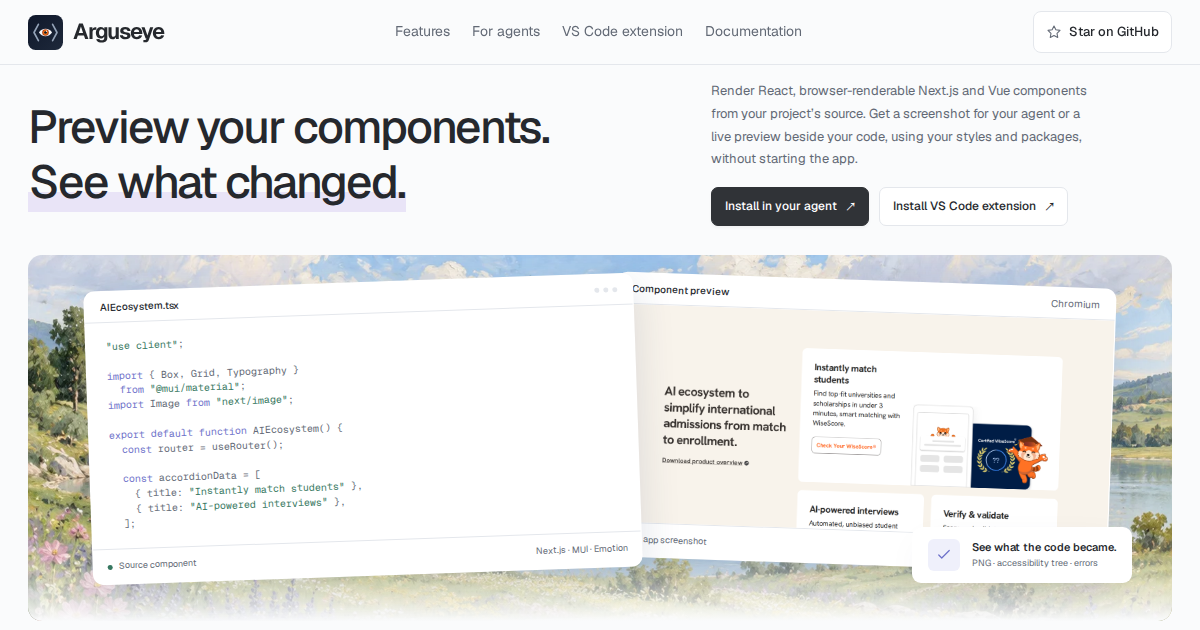
Marketing artwork with a decorative landscape and an isolated component preview.
Compatibility
Keep the scope in the story.
Project dependencies must be installed. Headless agent and CLI use requires Node.js 22+ and Chromium or Google Chrome. Vue projects use their own matching Vue runtime and compiler.
Runtime-only props, arbitrary providers, authentication and backend states, Next.js server execution and Nuxt context can remain incomplete. The returned warnings identify gaps in the evidence.
Performance varies by project and workload. The recorded benchmarks include their method and machine.
Full compatibility details ↗Try it in a project
Install the agent configuration, then restart the chosen client.
npx @ayushniroula/arguseye install claudeUse codex, cursor or another supported client instead of claude. The visual editor panel is installed separately.
Contact
Questions for the maker?
For coverage, product questions or asset requests, contact Ayush Niroula.